IBAM Enhanced Messaging Widget
Replace the standard Zendesk widget with a fully branded, multi-tab support and growth experience.
설치
Less than 5
호환:
Support
개발자
IBAM Solutions AB
About this app
A better Zendesk widget — for support and growth
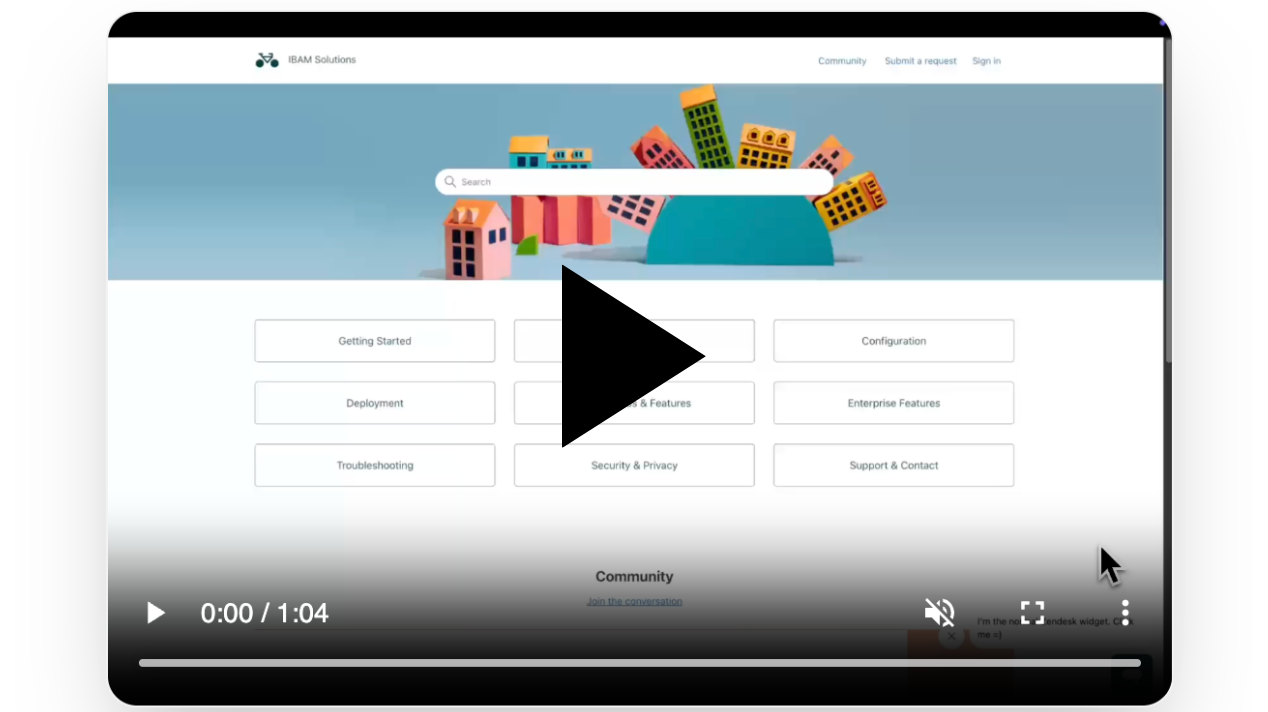
The Enhanced Messaging Widget replaces Zendesk's standard chat bubble with a multi-tab, fully branded experience. Help Center search, articles, messaging, contact forms, and custom content — all in one widget that adapts to where the customer is on your site.
Same Zendesk underneath. A significantly better experience on top.
Key Features
- Multi-tab widget — Home, Help, Messages, Contact, plus custom tabs
- Page Rules — different content, themes, and popups per URL (Enterprise)
- Drag-and-drop block builder for custom tabs — text, video, images, buttons
- 5 built-in themes with dark mode support
- Built-in analytics dashboard — track opens, tab switches, article views, clicks
- AI-powered widget translation — auto-translate all widget text
- Cross-domain session continuity for Zendesk Messaging
- Up to 5 widgets per account (Enterprise)
Who it's for
Support teams use it to reduce ticket volume and lower Automated Resolution (AR) costs through Help Center discovery — customers self-serve before the AI agent ever engages.
Marketing and growth teams use it to trigger URL-specific popups, articles, and videos — turning the support widget into a conversion tool without adding new elements to the site.
One widget. Two departments. One install.
Plans
- Starter — $10/seat/month — 1 widget, branding, Help Center, contact forms
- Pro — $15/seat/month — up to 3 widgets, separate branding per widget
- Enterprise — $25/seat/month — up to 5 widgets, Page Rules, Custom Tabs, Analytics, AI Translation
14-day free trial. Cancel anytime.
About IBAM Solutions AB
IBAM Solutions AB builds practical customer support and growth tooling for teams running on Zendesk.
Data disclosure and security
This app accesses and processes only the data needed to provide widget configuration and token management:
* Zendesk installation metadata used to identify the tenant
* Widget configuration values entered by admins
* Generated embed token status and token lifecycle metadata
We do not sell customer data. Data is used only to operate this integration, scoped per tenant, and protected with tenant isolation controls and authenticated API access.
For more details, see our Privacy Policy, Terms of Use, and Data Processing Addendum (DPA). For privacy or security questions, contact support@ibamsolutions.com.
앱 세부 정보
설치 방법
In Zendesk Admin Center, open Apps and integrations, then go to Marketplace.
Search for "Enhanced Messaging Widget" and click Install.
Choose the account where you want to install the app.
Complete installation and open the app from the Zendesk navigation bar.
Follow the setup wizard to create your first widget — connect your Help Center, configure branding, and set up tabs.
- Open the Embed tab, copy your embed token, and paste the widget snippet on your website just before the closing
</body>tag. Test the widget on your site to confirm Help Center content and Messaging work end-to-end.
Setup takes approximately 15 minutes. For help, visit ibamsolutions.com/apps or contact support@ibamsolutions.com.
리뷰 남기기
Zendesk 커뮤니티에 나의 경험을 공유해 보세요
플랜 및 가격
Starter
Free 14-day trial, then $10.00 per agent, per month
Starter plan includes:
1 custom widget
Custom colors, logo, and branding
Welcome page with search and articles
Integrated help center
Contact form
Multi-language support
Pro
Free 14-day trial, then $15.00 per agent, per month
Pro plan includes:
Up to 3 custom widgets
Unique branding per widget
Separate translations per widget
Individual embed codes
Welcome page with search and articles
Integrated help center
Contact form
Multi-language support
Enterprise
Free 14-day trial, then $25.00 per agent, per month
Enterprise plan includes:
Up to 5 custom widgets
URL setup per widget
Custom branding per widget
Separate translations per widget
Individual embed codes
Welcome page with search and articles
Integrated help center
Contact form
Multi-language support